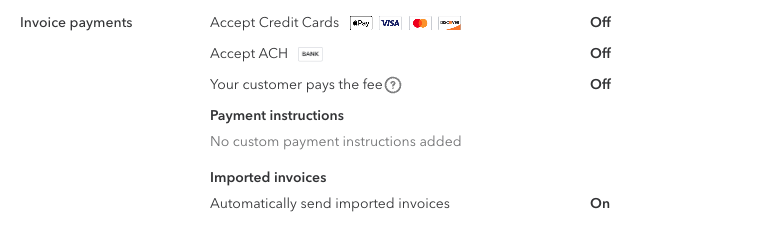
1) Go to the Settings menu (Gear Icon on top right)
2) Select Account and Settings .
3) Click the Sales tab, then go to the Reminders or Invoice Payments section
4) Select the Pencil icon to edit your preferences.
5) Turn off Automatic invoice reminders for Imported Invoices